

Connect an Instagram Business account to answer its direct messages in Fastcom, and set its store, AI training and handover
Connect an Instagram Business account and its direct messages come into the Fastcom inbox. You connect accounts from the Instagram inbox and manage them under Channels › Instagram Accounts.
Connect an Instagram account
- In the inbox, click the Instagram tab. Open the Instagram inbox
- Click Connect Instagram in the inbox sidebar. If you haven't connected an account yet, click Connect Instagram Account in the middle of the screen instead. Both buttons need Instagram Accounts: Write, which the Owner and Admin roles have by default.
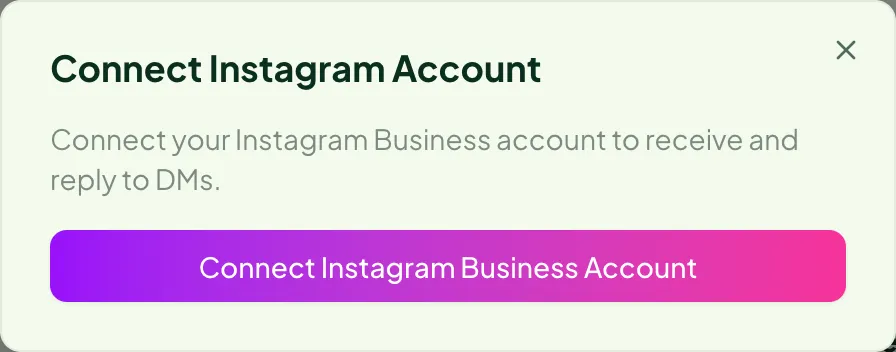
- In the Connect Instagram Account dialog, click Connect Instagram Business Account.
- Instagram opens in the same tab. Sign in with the Instagram account you want to connect and allow Fastcom access to it.
- Instagram sends you back to Fastcom, which opens the new account's inbox.
You sign in with Instagram itself, not with Facebook. If the connection fails, you come back to the Instagram inbox and can try again. If the account is already connected to another organization, Fastcom says so and leaves it there. Disconnect it from the other organization first, then connect it again.
Manage your accounts
Channels › Instagram Accounts shows a card for each connected account. To see this page, you need Instagram Accounts: Read.
Open Instagram AccountsEach card shows the account's name and username, the store and it is connected to, its bots and the members who can reach it. Expires in followed by a number of days appears when the account's access runs out within a week.
Click Details on a card to open Account Details, where you change its settings.
Link an account to a store
- Click Details on the account's card.
- Under Connect to Store, choose a store.
- Click Connect Store.
You need Stores: Write or Instagram Accounts: Write.
Choose the AI training for an account
- Click Details on the account's card.
- Under Connect to Prompt Group, choose a prompt group.
- Click Connect.
You need Training: Connect to a channel.
Choose where human handovers go
If your own system hands conversations to a person through the AI Agent Control API, Fastcom can also pass the Instagram thread to another Meta app.
- Click Details on the account's card.
- Under Human handover target, type the app's Meta app ID and click Save.
Instagram doesn't list the apps you can choose, so you always type the ID. The app must already be connected to the account. To clear it, click Reset. You need Instagram Accounts: Write.
Keep an account connected
An Instagram account's access lasts about 60 days. Fastcom renews it automatically in the week before it runs out, whenever Instagram allows.
If it can't be renewed, the inbox shows how many days are left next to the account, and your organization's owners and admins get an email shortly before it expires. To renew it yourself, follow Connect an Instagram account again with the same Instagram account. The account keeps its conversations and settings.
Who can see an account's conversations
Access to an account's conversations comes from each member's role. To change who sees it, edit the roles in Settings › Organization.
Last reviewed 29 October 2026